credits
Designed
Programmed
Graphics
Music
Publisher
Community Rating
Average rating 4 / 5. Vote count: 2
No votes so far! Be the first to rate this game.
BACK OF THE BOX
ALL the FA CUP, LEAGUE and SUPER LEAGUE features!
Plan TRAINING, TEAM TALKS, MARKET TRANSFER and cunning STRATEGIES!
Realistic THROW-INS, HAT TRICKS, PENALTIES, INJURIES, OFF-SIDE and more!
IT’S INCREDIBLE…YOU ARE THE BOSS.
Plan TRAINING, TEAM TALKS, MARKET TRANSFER and cunning STRATEGIES!
Realistic THROW-INS, HAT TRICKS, PENALTIES, INJURIES, OFF-SIDE and more!
IT’S INCREDIBLE…YOU ARE THE BOSS.
trivia
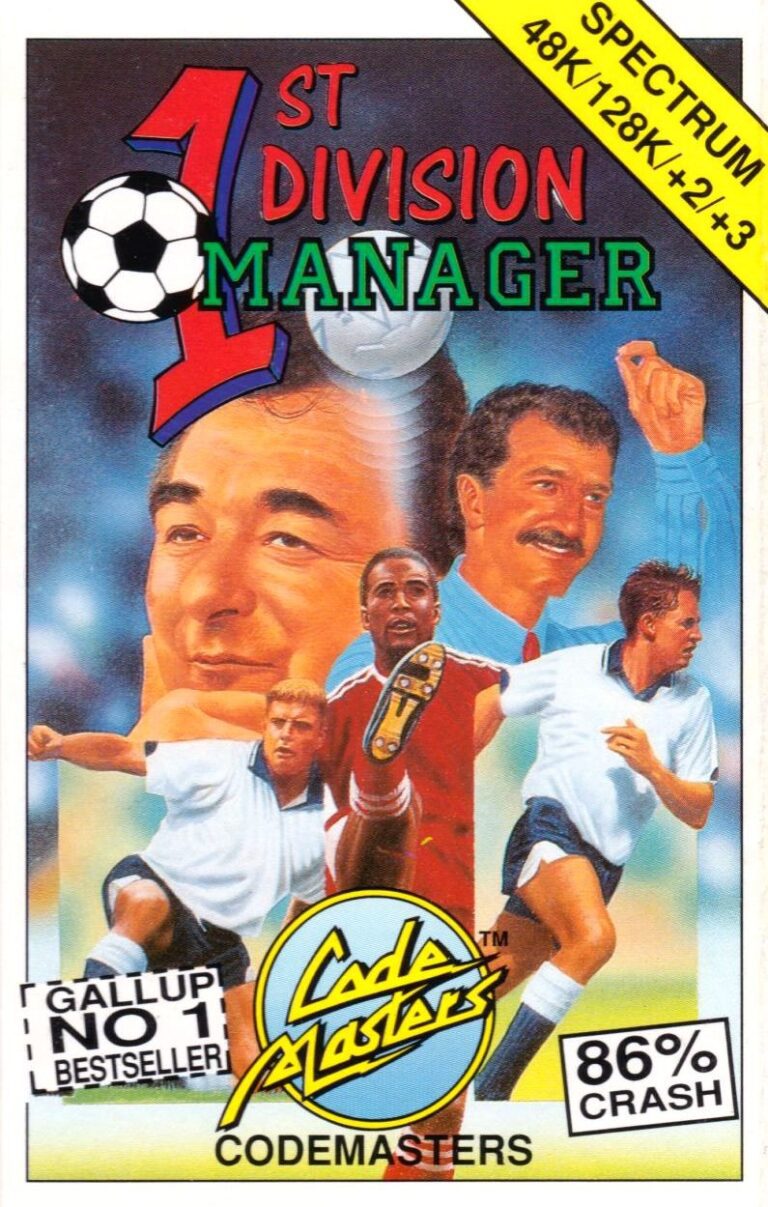
“1st Division Manager” is a manager game.
First released in 1991 for the ZX Spectrum, Amstrad CPC, Commodore 64, Amiga and Atari ST.
On this game, the player takes on a team of their choice in any of the top four English leagues.
On the main menu, there are four icons as well as some major information such as the player’s name, the name of the player’s club, current league position, a rating, and the account balance.
— The first icon from the left is the picture of a computer and by clicking on it you will get to the main database menu where you can handle the players’ training, study the coming fixtures, and edit the teams or players.
— The second icon is a telephone and by clicking on it and you will be able to make a phone call to either the transfer market (for buying and selling players) or the bank (to get a loan).
— The third icon is a notebook and by clicking on it you will see tables from all four divisions.
— The last icon is the picture of a football pitch and by pressing it you will get to your next match.
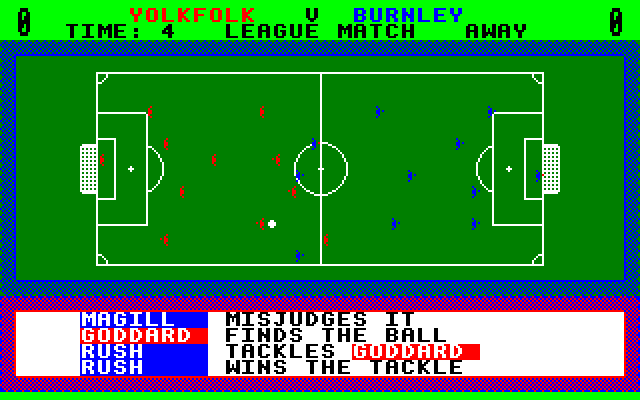
After choosing your squad, you will see the highlights of the match from a top-down perspective.
After the match, you will get reports about players being injured, results in the other matches, and the finances for that week.
First released in 1991 for the ZX Spectrum, Amstrad CPC, Commodore 64, Amiga and Atari ST.
On this game, the player takes on a team of their choice in any of the top four English leagues.
On the main menu, there are four icons as well as some major information such as the player’s name, the name of the player’s club, current league position, a rating, and the account balance.
— The first icon from the left is the picture of a computer and by clicking on it you will get to the main database menu where you can handle the players’ training, study the coming fixtures, and edit the teams or players.
— The second icon is a telephone and by clicking on it and you will be able to make a phone call to either the transfer market (for buying and selling players) or the bank (to get a loan).
— The third icon is a notebook and by clicking on it you will see tables from all four divisions.
— The last icon is the picture of a football pitch and by pressing it you will get to your next match.
After choosing your squad, you will see the highlights of the match from a top-down perspective.
After the match, you will get reports about players being injured, results in the other matches, and the finances for that week.